Changes on site rarely start as formal variations. Most begin as small decisions made to keep work moving, often issued verbally or captured informally. When those changes are not recorded at the time, teams are left relying on memory, scattered messages, or end-of-day summaries that do not reflect what actually happened.
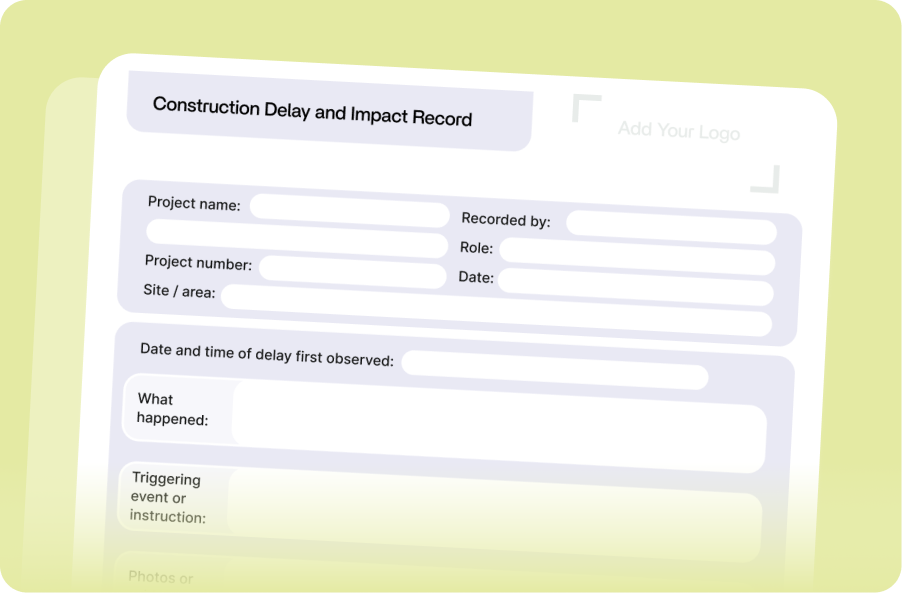
This reference sheet sets out the key information site managers should capture when changes occur, along with practical guidance on when and how to record it under live site conditions. Implementing these standards will help ensure the right details are captured early, while the context is still clear and before issues escalate later in the project.
Construction Change and Variation Record Reference Sheet
| Field |
When and how to record it |
Why this matters |
| Date and time of instruction |
Record it immediately when the instruction is given. Write the time down or keep the original photo timestamp. |
Establishes the sequence of events and supports variation and delay discussions. |
| Who gave the instruction |
Record the name and role at the time. If verbal, write it down straight away. |
Confirms who directed the change and whether they had authority. |
| Authority confirmed |
Note whether the person issuing the instruction had authority, or if confirmation is required. |
Reduces later disputes about whether the change was validly instructed. |
| Is this a change to agreed scope or sequence |
Record a simple yes, no, or unclear when the instruction is received. |
Forces early recognition of potential variations without requiring legal certainty. |
| What changed |
Record it as soon as the change is identified. Describe what changed in plain language. |
Defines what was done differently from the original scope. |
| Location or activity affected |
Record the area, level, grid, or activity when noting the change. Use consistent names. |
Links the change to specific work rather than the whole project. |
| Why the change happened |
Record the reason while it is clear, such as design clarification, access issue, or instruction. |
Provides context and reduces later disagreement. |
| Photos or supporting evidence |
Take photos when the issue is visible. Capture more than one angle where possible. |
Visual records support facts and reduce reliance on memory. |
| Immediate impact observed |
Note any delay, rework, resequencing, or extra labour as soon as it occurs. |
Early impacts are easier to assess and less likely to be overlooked. |
| Work stopped or resequenced |
Record what work stopped or changed order at the time it happened, even if approximate. |
Makes disruption to planned work visible and easier to explain later. |
| Trades or people affected |
Record which trades or crews were impacted when it becomes apparent. |
Helps identify knock-on effects across the job. |
| Follow-up required |
Note if notice, pricing, or further instruction is required and who needs to act. |
Clear next steps reduce the risk of issues being missed or delayed. |
| Record status |
Mark as initial, updated, or final as the situation develops. |
Prevents early records being treated as final positions. |
| How to share this record |
Email the details and photos to the project manager or commercial team the same day. |
Demonstrates that the issue was communicated, not just noted. |
We get it: Even with a clear template, capturing all of this information consistently is difficult on a live site.
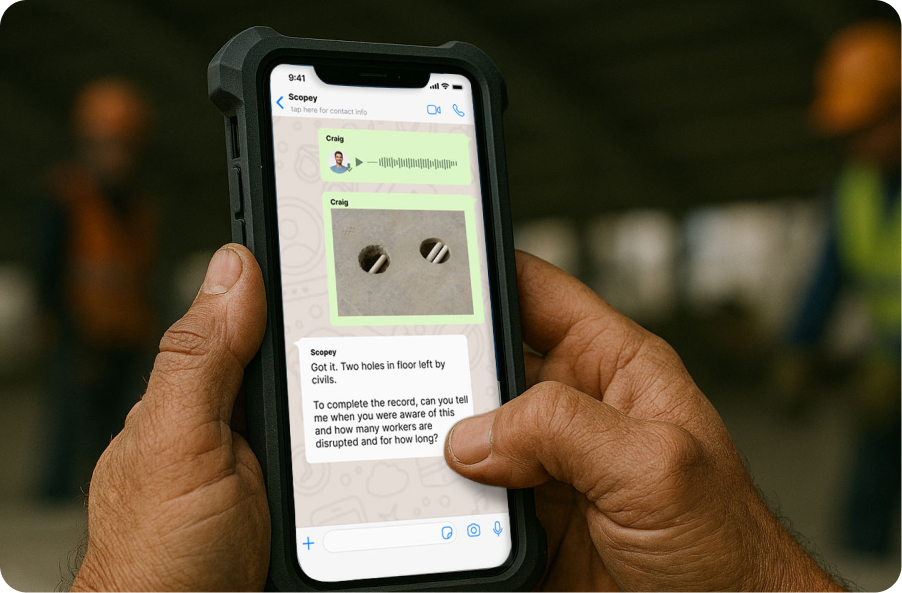
Scopey Onsite is built to help site teams capture these records as work happens, using simple messages, photos, and voice notes, without changing how they already operate. The result is the same information outlined above, captured with a fraction of the effort and stored in a way that project and commercial teams can rely on later.
If you would like to see whether Scopey could work for your team, you can book a short demo to walk through how it is used on site.
.png)









.png)